WhatsApp Chatbot for Business in Saudi Arabia: Uses, Setup and Buying Guide
8 min read
On this page
- What is a WhatsApp chatbot for business?
- Is a WhatsApp auto reply the same as a chatbot?
- Where can a Saudi business use a WhatsApp chatbot?
- What should an ecommerce chatbot connect to?
- How do you create a WhatsApp chatbot?
- 1. Choose the first job
- 2. Choose the type of automation
- 3. Prepare the information the bot will use
- 4. Design the handoff
- 5. Test before going live
- What should you check before choosing a provider?
- How much does a WhatsApp chatbot cost?
- Conclusion
- Frequently asked questions
- Can I create a WhatsApp chatbot without coding?
- Can a WhatsApp chatbot work with my ecommerce store?
- Is an auto reply enough for a small business?
- Can a chatbot transfer a customer to a human agent?
- What should I test before launching a WhatsApp chatbot?
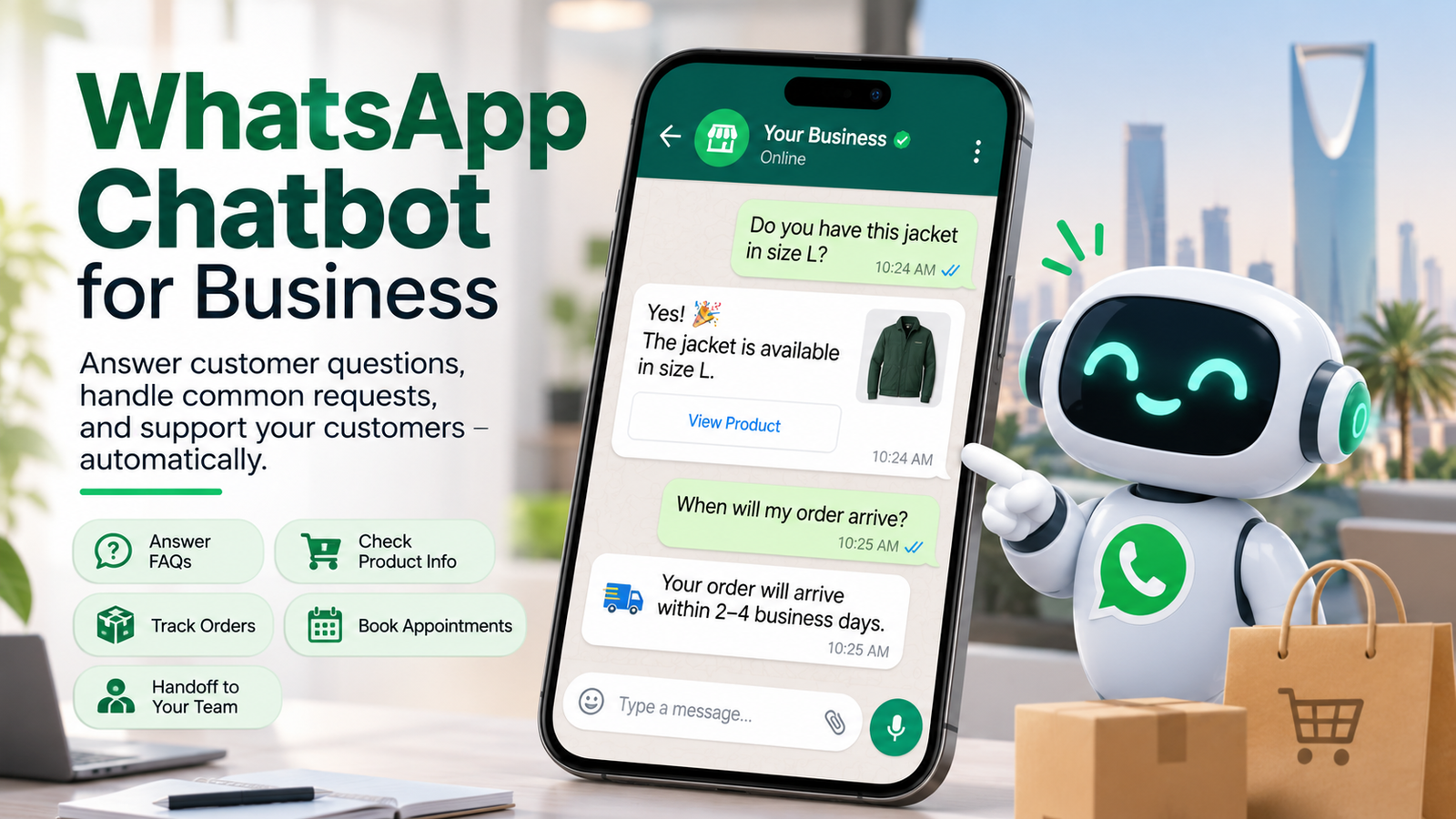
A WhatsApp chatbot helps a business answer customer messages and handle routine requests automatically. Depending on how it is set up, it may answer product questions, collect enquiry details, provide order updates, or pass a conversation to a staff member.
For a Saudi business receiving the same questions every day, that can make customer conversations easier to manage. If you need a bot connected to your sales or support workflow, explore our AI chatbot service in Saudi Arabia.
The first decision is what you want the bot to do. Sending an automatic “we’ll reply soon” message is simple. Answering a question about a specific order requires access to order information. Those are different jobs, and they call for different setups.
What is a WhatsApp chatbot for business?
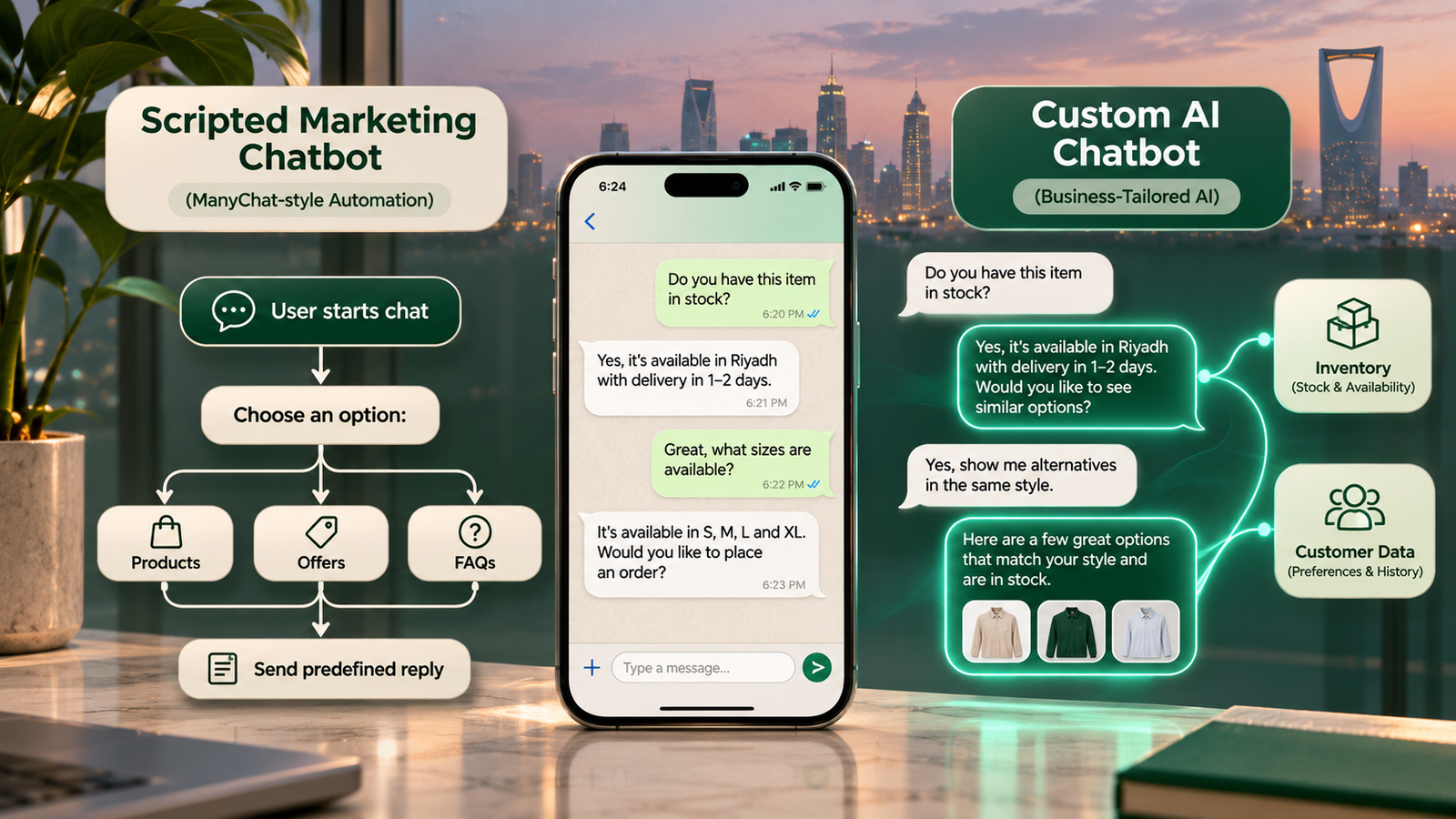
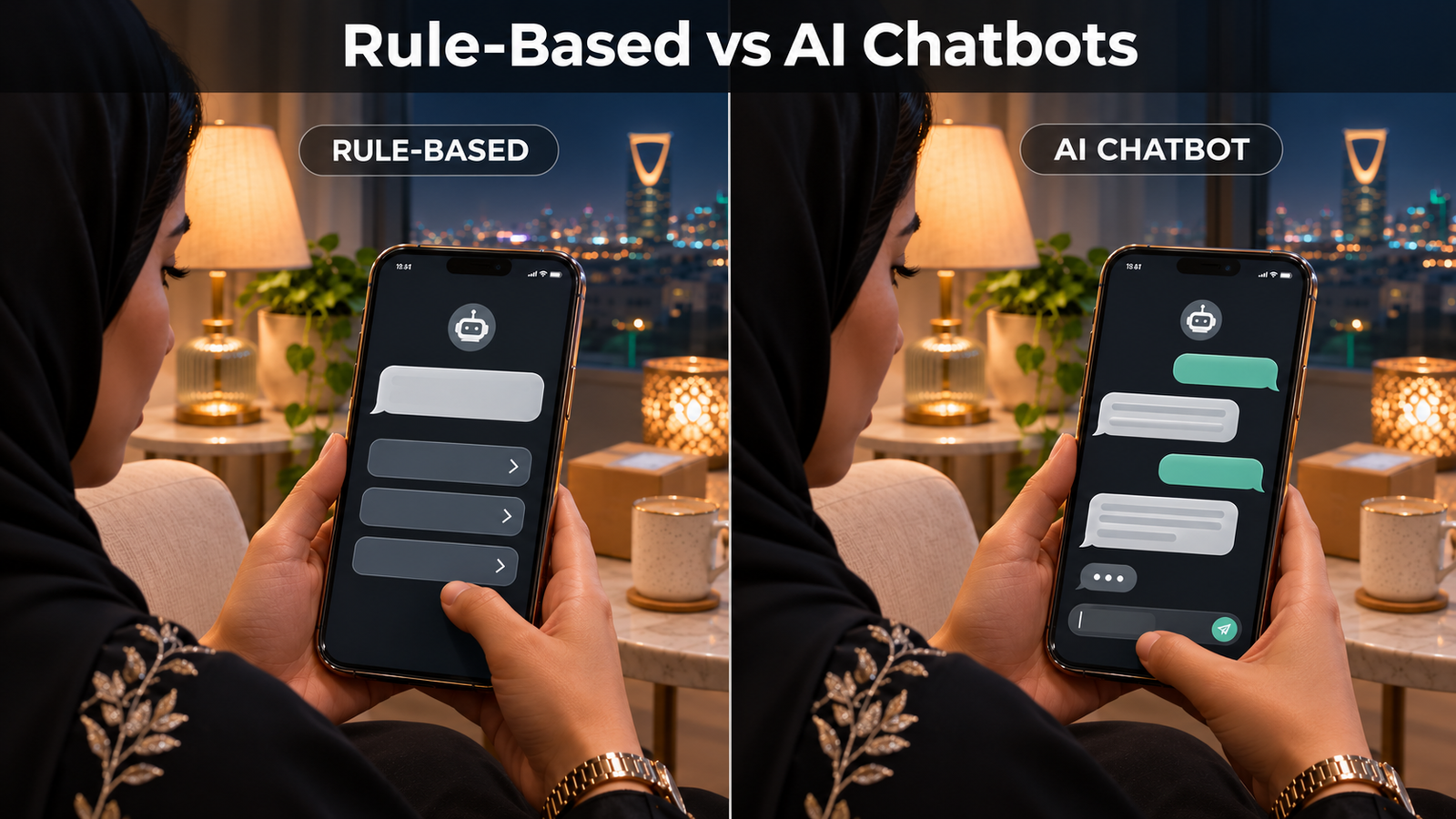
A WhatsApp chatbot is software that responds to customer messages according to rules or business information you provide. A basic bot follows a set conversation path. An AI chatbot can interpret a wider range of questions, although its answers still need clear instructions and reliable information.
For example, a customer might ask whether an item is available, when an order will arrive, or how to arrange a return. A useful bot answers what it can verify and sends the conversation to a person when it cannot.
That last step matters. Customers should have a clear way to reach your team, especially when an order is delayed, a request is unusual, or the bot has misunderstood the question.
Is a WhatsApp auto reply the same as a chatbot?
No. An auto reply sends a prepared message; a chatbot can continue the conversation based on what the customer asks. The WhatsApp Business app includes tools such as away messages for businesses that need a simple automatic response. Source: WhatsApp Help Center.
| Option | What it does | Best suited to |
|---|---|---|
| Business app auto reply | Sends a prepared message, such as business hours or an acknowledgement. | A small team that mainly replies to customers manually. |
| Rule-based chatbot | Guides customers through defined questions and choices. | Repeated requests with predictable answers or steps. |
| AI chatbot | Interprets varied questions using approved business information. | A wider range of enquiries, provided answers and handoffs are monitored. |
A small shop may only need an away message outside working hours. A store receiving hundreds of product and order questions may need a chatbot connected to its systems. Start with the work your team needs help with, rather than choosing the most advanced option by default.
Where can a Saudi business use a WhatsApp chatbot?
The strongest use cases are frequent requests with a clear next step. A bot is most useful when it can either give a reliable answer or collect enough information for your team to take over.
For an ecommerce store, that might mean answering questions about products, delivery, returns, or order status. A service business might use a bot to collect a customer’s requirements before assigning the enquiry. An appointment-based business might use it to gather booking details, provided it can check actual availability before confirming a time.
Consider a customer messaging a store to ask whether a jacket is available in their size. A connected bot could check the catalogue and stock information, then show the relevant option. Without that connection, it should avoid guessing and offer to ask a staff member instead.
What should an ecommerce chatbot connect to?
An ecommerce chatbot should connect to the information it needs to answer customers accurately. For most stores, that means product details, availability, order status, and store policies.
If your business uses Salla, Zid, Shopify, or another platform, ask the chatbot provider to demonstrate the exact integration you need. A provider saying it “supports ecommerce” does not tell you whether it can read live stock, retrieve an order, or update a customer record.
Test these questions during a demonstration:
- Can the bot show the current price and available product options?
- Does it check stock before telling a customer an item is available?
- Can it find an order using the details your team normally requests?
- Does it use your current delivery and returns policies?
- What happens if the store connection stops working?
- Can a staff member see the conversation and take over?
Saudi-focused ecommerce chatbot pages frequently highlight store integrations and order workflows. Those are useful buying criteria, but each capability should be verified for your own platform and plan. Examples: ArabyBot and Wasla.
How do you create a WhatsApp chatbot?
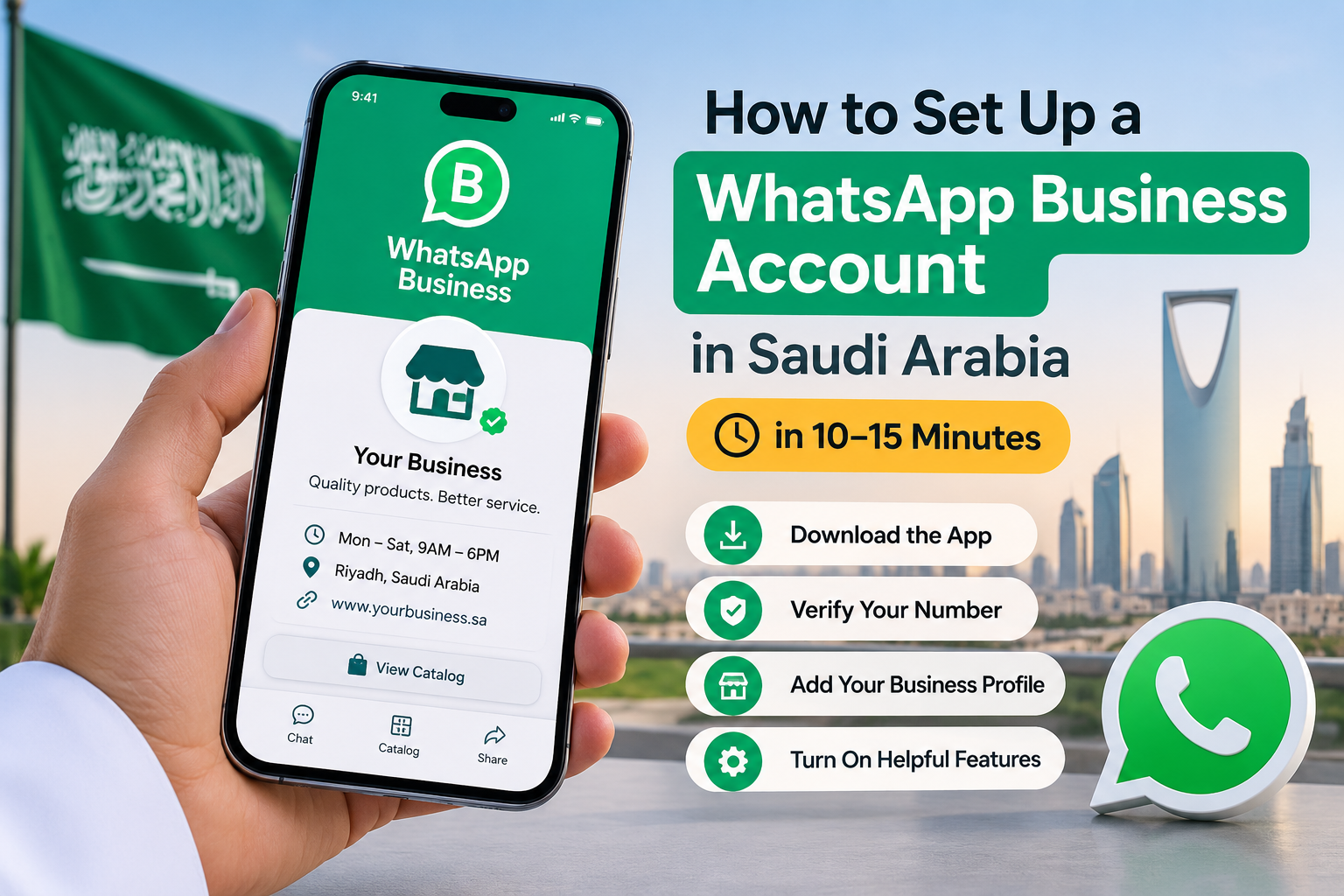
Start with one customer problem, choose a suitable WhatsApp setup, and test the conversation before launch. The exact technical steps depend on your provider and whether you are using a simple app feature or a chatbot built on the WhatsApp Business Platform.
1. Choose the first job
Pick a task your team handles often, such as answering delivery questions or collecting new enquiries. Define what a successful conversation looks like: the customer gets an answer, completes a request, or reaches the right person.
2. Choose the type of automation
Use the Business app’s built-in tools if you only need a greeting or away message. For multi-step conversations and system integrations, compare chatbot platforms or a custom implementation. Ask each provider what access, setup, and ongoing management your business will need.
3. Prepare the information the bot will use
Gather accurate product details, opening hours, delivery information, returns rules, and answers to common questions. Decide who will update that information when something changes. A bot cannot give dependable answers from outdated policies or stock records.
4. Design the handoff
Set rules for when a person should take over. Examples include complaints, payment problems, requests the bot cannot verify, and customers who simply ask to speak to someone. Make sure your team can see enough conversation history to continue without asking the customer to repeat everything.
5. Test before going live
Send the kinds of messages real customers send, including incomplete questions, spelling mistakes, and follow-up questions. Test in the languages your customers use. Check whether the bot admits uncertainty, uses current information, and hands off at the right time.
Launch with a limited set of tasks, review conversations, and improve the answers that repeatedly cause confusion.
What should you check before choosing a provider?
Choose a provider based on a working demonstration of your business process, not a list of promised features. Give each shortlisted provider the same sample enquiries and compare the results.
Check answer accuracy, store or CRM integrations, human handoff, staff access, conversation history, data export, support, and the work needed to keep the bot up to date. If your customers use more than one language, test the quality of replies in each one.
Also ask who controls the WhatsApp business account and what happens if you change providers. Your team should understand how it will access conversations and customer information during that change.
How much does a WhatsApp chatbot cost?
The total cost may include a chatbot subscription, setup work, integrations, and applicable WhatsApp messaging charges. The cheapest advertised monthly plan may not include the workflow your business needs.
Ask for a written breakdown covering:
- One-time setup or implementation
- Monthly platform fees
- Additional staff users or connected systems
- Message-related charges
- Support and maintenance
- Costs if your conversation volume grows
Pricing and WhatsApp platform rules can change. Confirm current charges and messaging requirements with the provider before publishing a budget or committing to a plan. If you plan to send customers promotional or follow-up messages, check the applicable WhatsApp rules and consent requirements as part of setup. Source: WhatsApp Business policy.
Conclusion
The right WhatsApp chatbot is the one that handles a real customer task accurately and gives your team control when a person is needed. An auto reply may be enough if you only need to acknowledge messages outside working hours. A chatbot becomes more useful when you want to manage repeated questions, capture enquiries, or connect conversations to your store and support systems.
Start with one use case, test it with real examples, and check the complete cost before expanding. If your business needs a connected solution, see how our [AI chatbot service for Saudi Arabia](/services/ai-chatbot-saudi-arabia) can support the workflow you want to build.
Frequently asked questions
Can I create a WhatsApp chatbot without coding?
Yes. Some platforms provide tools for building conversation flows without writing code. You may still need help connecting business systems and testing the finished setup.
Can a WhatsApp chatbot work with my ecommerce store?
Yes, if the provider supports your store platform and the specific data you need.
Ask for a demonstration using product availability, order status, and a handoff to staff.
Is an auto reply enough for a small business?
It may be enough if your team can manage the conversations after sending an initial message.
If customers need answers or actions before a staff member joins, consider a chatbot.
Can a chatbot transfer a customer to a human agent?
Many chatbot systems support human handoff, but the process differs by provider.
Test what the customer sees and what conversation history your agent receives.
What should I test before launching a WhatsApp chatbot?
Test common questions, unusual requests, incorrect or missing information, language quality, and human handoff.
Confirm that the bot does not invent answers when it cannot verify them.